Install the App
Installing the Store Locator app is quick and can be done in two ways.
Installing the Store Locator app is quick and can be done in two ways.
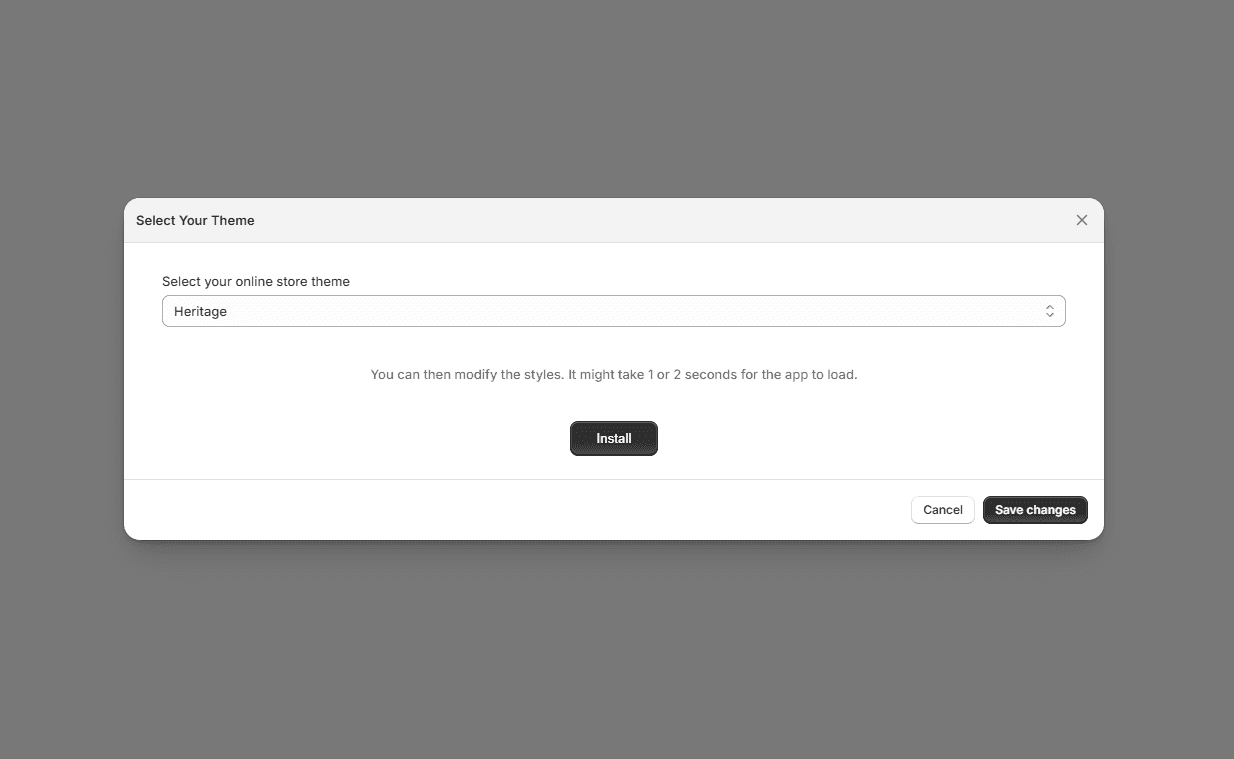
Option 1: Install from the Installation Page
- 1Open the Store Locator app in your Shopify Admin.
- 2Go to the Installation page.
- 3Click Install to add the Store Locator directly to your store.
- 4Remember to click Save
This is the fastest way to publish the locator with the default setup.
Option 2: Add the Store Locator Block in the Theme Editor
You can also place the Store Locator manually in your theme for more control over its position:
- 1In your Shopify Admin, go to Online Store → Themes.
- 2Click Customize to open the Theme Editor.
- 3Choose the page where you want the Store Locator to appear.
- 4Click Add block.
- 5Select the Mapular Store Locator block from the app section.
- 6Save your changes.
This option gives you more control over where the locator is displayed in your store layout.
Noch nicht weitergekommen?
Wir helfen Ihnen gerne
Oder senden Sie uns eine E-Mail an support-store-locator@mapular.com