Most store locators are a dead end for data. Customers search, find a location, and leave. You never learn what they searched for, which stores got the most attention, or where demand exists but you have no coverage.
That's a missed opportunity. The searches happening on your store locator are first-party signals about customer demand, and they can directly inform where to open next, which locations to invest in, and where your coverage has gaps.
Here's how to turn store locator data into retail expansion decisions.
What Store Locator Analytics Actually Track
Not all analytics are created equal. Basic page analytics (Google Analytics, for example) tell you how many people visited your store locator page. That's a start, but it doesn't tell you much about intent.
Interaction analytics go deeper. A store locator with built-in tracking captures:
- Search queries: What locations, cities, or zip codes are customers searching for?
- Click patterns: Which store listings get the most clicks? Which get ignored?
- Filter usage: Are customers filtering by product availability? Hours? Services?
- Search-to-click ratio: How many searches lead to a customer engaging with a specific location?
This data lives inside your Shopify admin, no external dashboards, no third-party tools. You see it where you already manage your store.
Finding Demand Where You Don't Have Stores
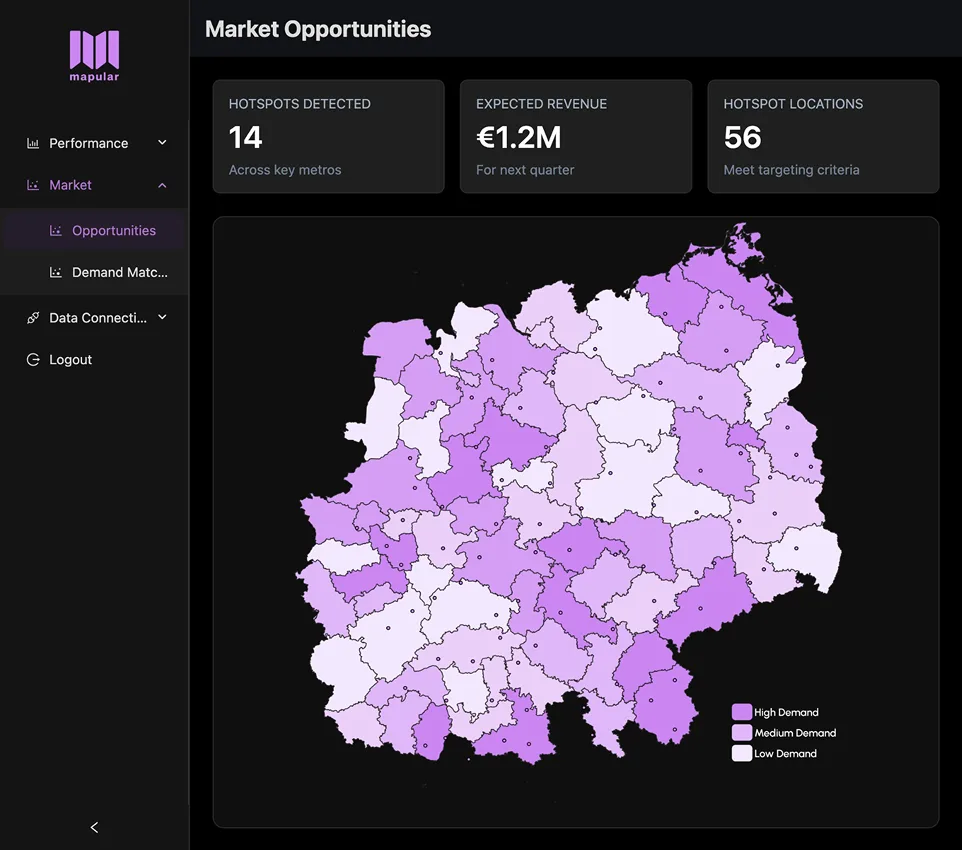
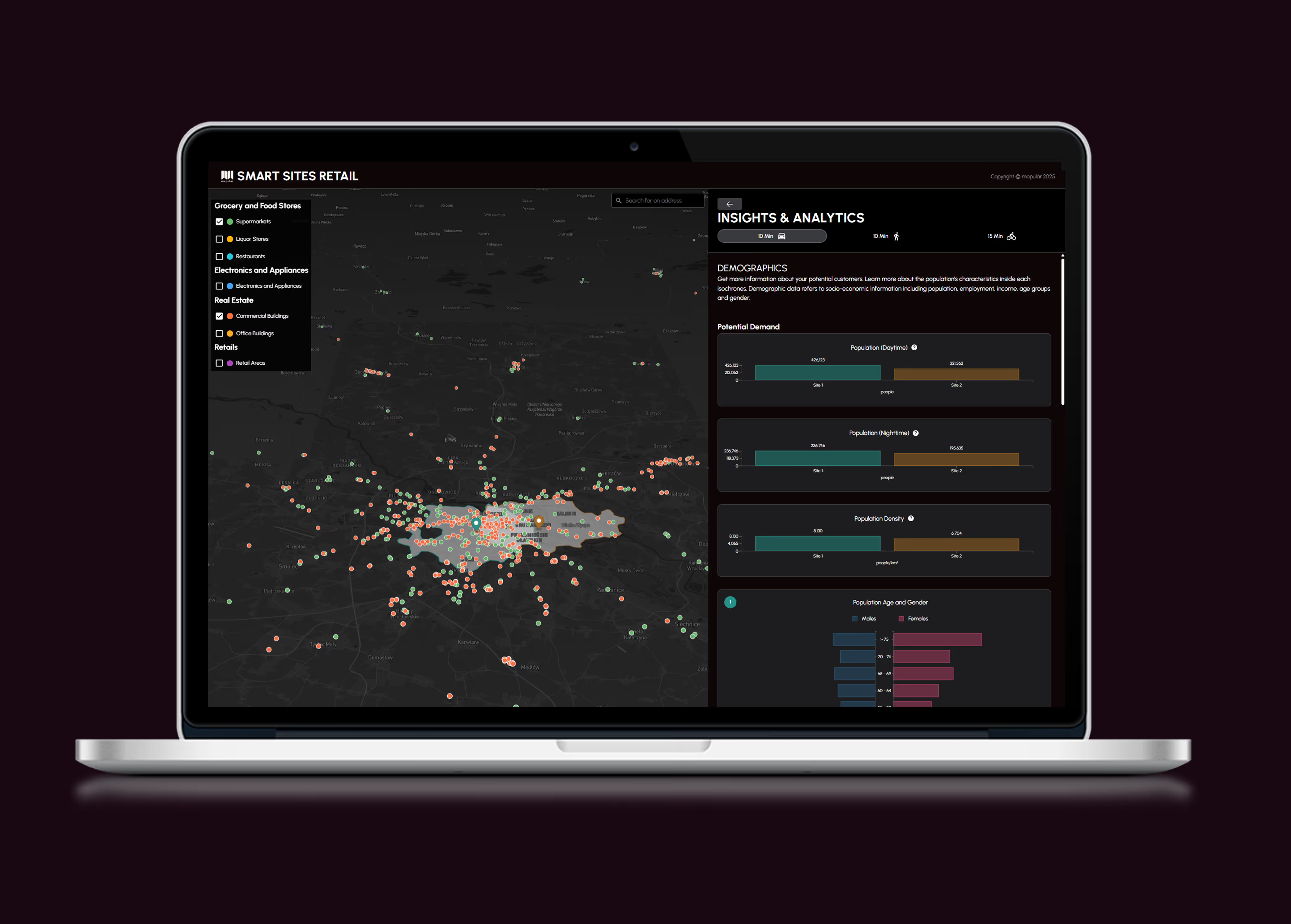
The most actionable insight from store locator analytics is unmet demand: customers searching for locations in areas where you don't have any.
If customers in Portland keep searching your locator but your nearest store is in Seattle, that's a signal. Not proof you should open in Portland tomorrow, but evidence that demand exists there. Combine it with other data points (market size, competitor presence, logistics) and you have a stronger case for expansion than gut feeling alone.
What to look for:
- Repeated searches in the same geographic area
- High search volume in areas with no results
- Clusters of searches that don't match your current store footprint
Understanding Which Locations Perform
Not every location in your network performs equally. Store locator analytics show you which ones draw the most attention:
- High click-through locations are the ones customers engage with most. They're worth investing in: better hours, more inventory, more staff.
- Low click-through locations might need better visibility, updated information, or reconsideration entirely.
- Locations with high filter usage suggest customers are being selective. If they're filtering by product availability and your store doesn't carry what they want, that's a merchandising insight.
This is particularly valuable for brands with wholesale or franchise networks where you don't directly control every location. The data helps you have informed conversations with retailers about performance and investment.
Using Filter Data to Inform Product Strategy
When customers filter by product availability, they're telling you what they want and where they want it. This feedback loop is underused.
For example, if customers in Chicago consistently filter for a specific product line and your stores there don't carry it, that's a distribution gap, not a demand gap. The demand is already there. You just need to fill it.
Filter insights to track:
- Most-used filter categories (hours, products, services)
- Products most frequently filtered for
- Geographic patterns in filter usage
Practical Steps to Get Started
You don't need a data team to start using store locator analytics. Here's a simple process:
1. Enable analytics on your store locator
If you're using Mapular Store Locator on Shopify, interaction analytics are available on the Advanced plan ($19.99/month) and above. The dashboard shows searches, clicks, and filter usage right in your Shopify admin. Install Mapular free and upgrade when you're ready.
2. Establish a baseline
Run analytics for 30 days before drawing conclusions. You need enough data to see patterns, not just individual searches.
3. Review weekly
Spend 15 minutes each week checking:
- Top searched locations
- Searches with no results (unmet demand)
- Most-clicked vs least-clicked stores
- Filter usage trends
4. Act on what you find
Analytics are only useful if they inform decisions. Set up a simple process:
- Flag areas with consistent unmet demand for expansion review
- Share location performance data with retail partners
- Adjust product distribution based on filter patterns
The Bigger Picture
Store locator analytics won't replace market research or real estate analysis. But they add a layer of first-party customer intent data that most brands don't have, and that competitors using basic locators definitely don't have.
The brands that treat their store locator as a data source, not just a map widget, are the ones that expand smarter and waste less on locations that don't perform.
For a deeper look at how location intelligence shapes modern retail strategy, read why D2C brands are embracing location intelligence. And if you're evaluating store locator tools, our comparison of the best store locator apps for Shopify covers the full landscape.