The Home Screen
Two options on the home screen, create a new report or view your existing submissions, and what they do.
After logging in, you'll see the home screen. From here you can start a new accident report or view your previously submitted reports.
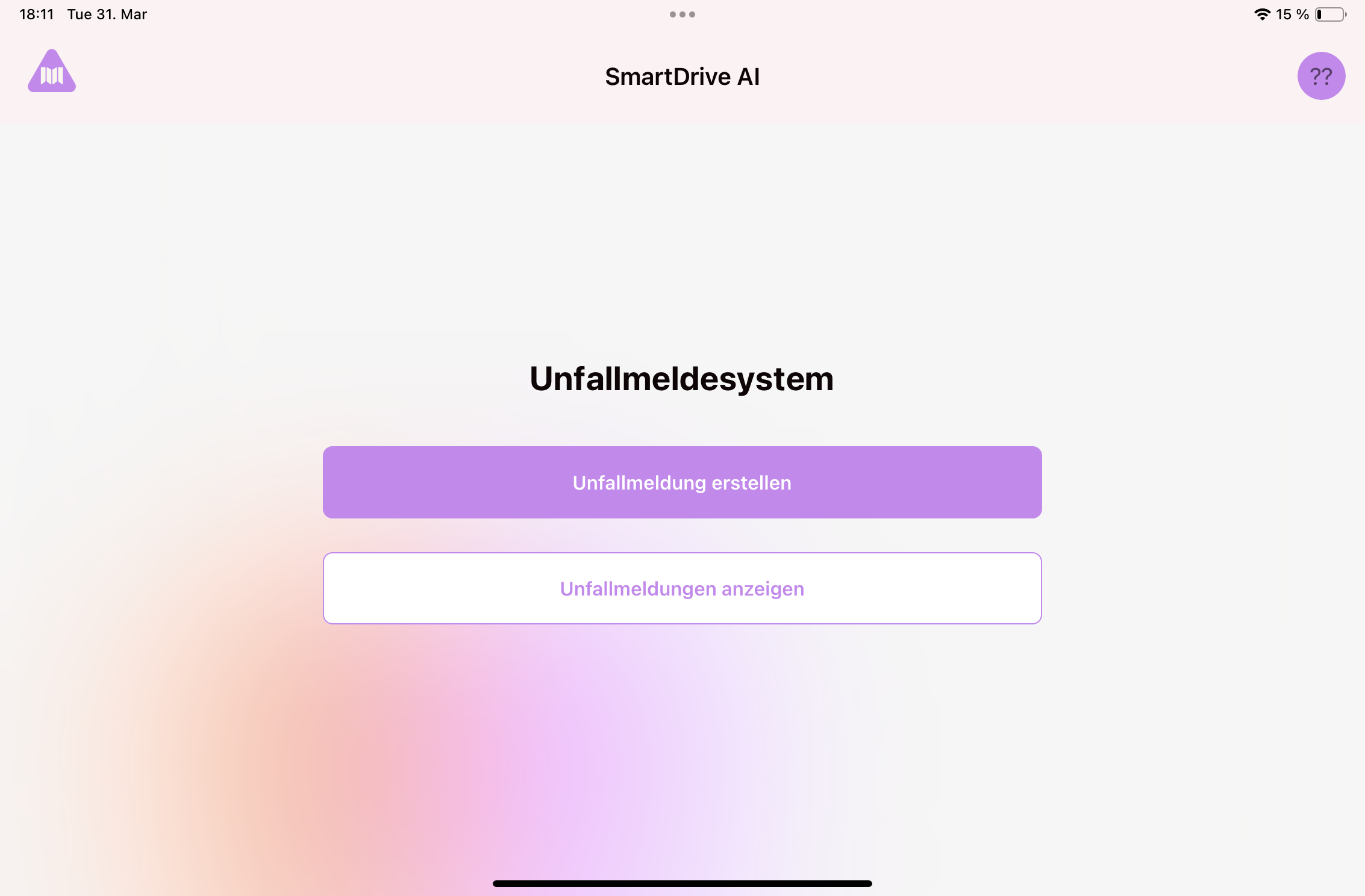
What you see after logging in
The home screen has a simple layout with two options:
- "Create Accident Report": Tap this button to start a new accident report. This is what you'll use at the scene of an accident.
- "View Accident Reports": Tap this button to see a list of all your previously submitted reports. You can check whether a report was sent successfully or is still waiting to sync.
Still need help?
Get in touch with the SmartDrive AI team
Or email us at support-smartdriveai@mapular.com