Step 2: Other Vehicles, Injured, Witnesses, Emergency Forces
Record the other vehicle(s), any injured people, witnesses, and emergency services that responded to the scene.
Step 2 captures everyone else involved: the other vehicle(s), injured people, witnesses, and emergency services.
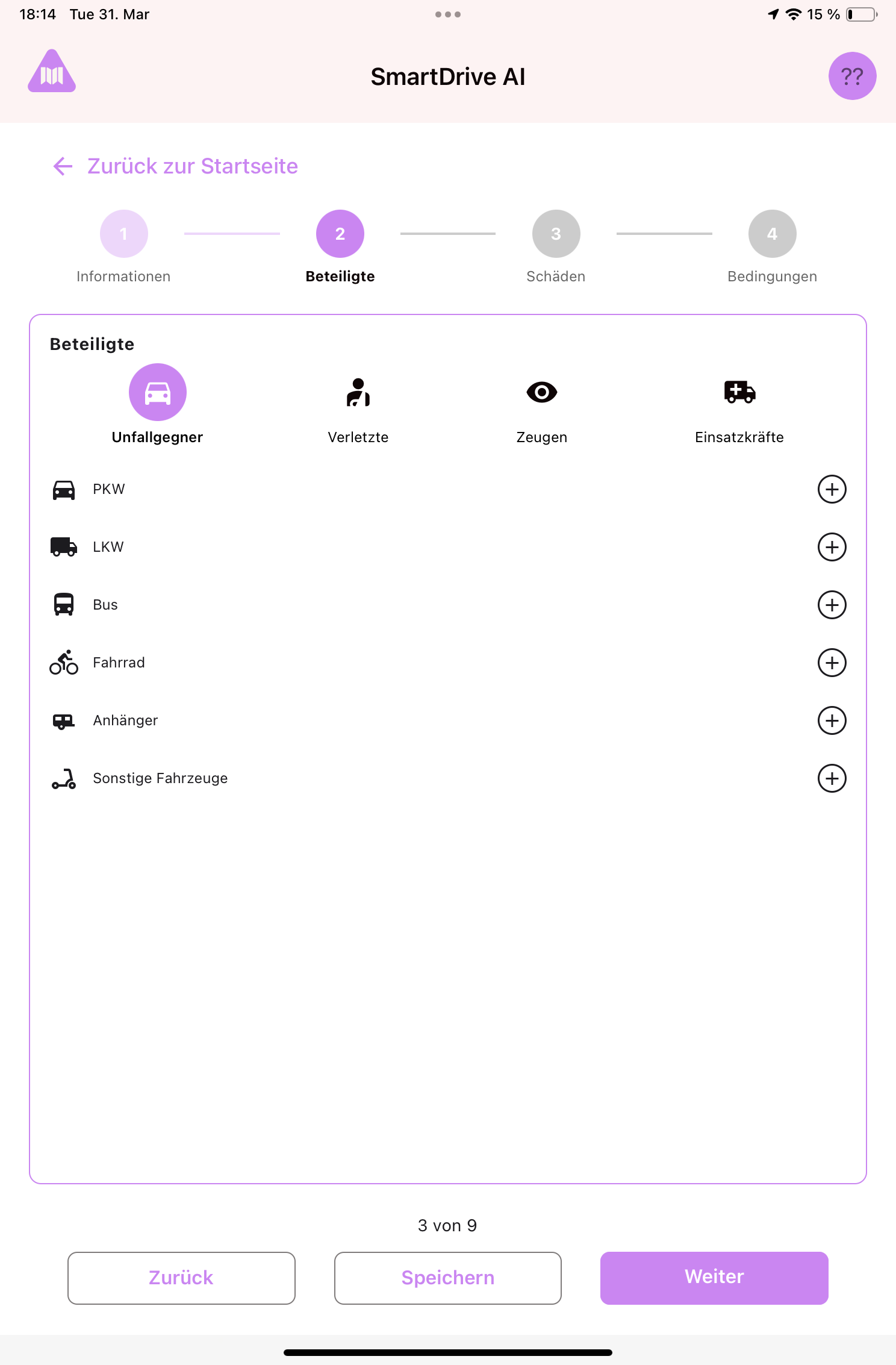
At the top of Step 2 you'll see four tabs: Opponents (Other vehicles), Injured, Witnesses, Emergency Forces. Tap any tab to switch between them.
Other vehicles (Opponents)
- Select the type of the other vehicle by tapping one of the icons: Car, Truck, Bus, Bicycle, Trailer, or Other.
- A form appears where you enter the other vehicle's details: license plate, manufacturer, driver name, insurance information, etc.
- If more than one other vehicle was involved, tap the "+" button to add another. Fill in the same details for each.
- To remove a vehicle you added by mistake, tap the delete icon next to it.
Tip: Not every field is required. Fill in as much as you can based on what the other driver provides. If the other driver is not cooperative or has left the scene, fill in what you can observe (license plate, vehicle type, color).
Injured people
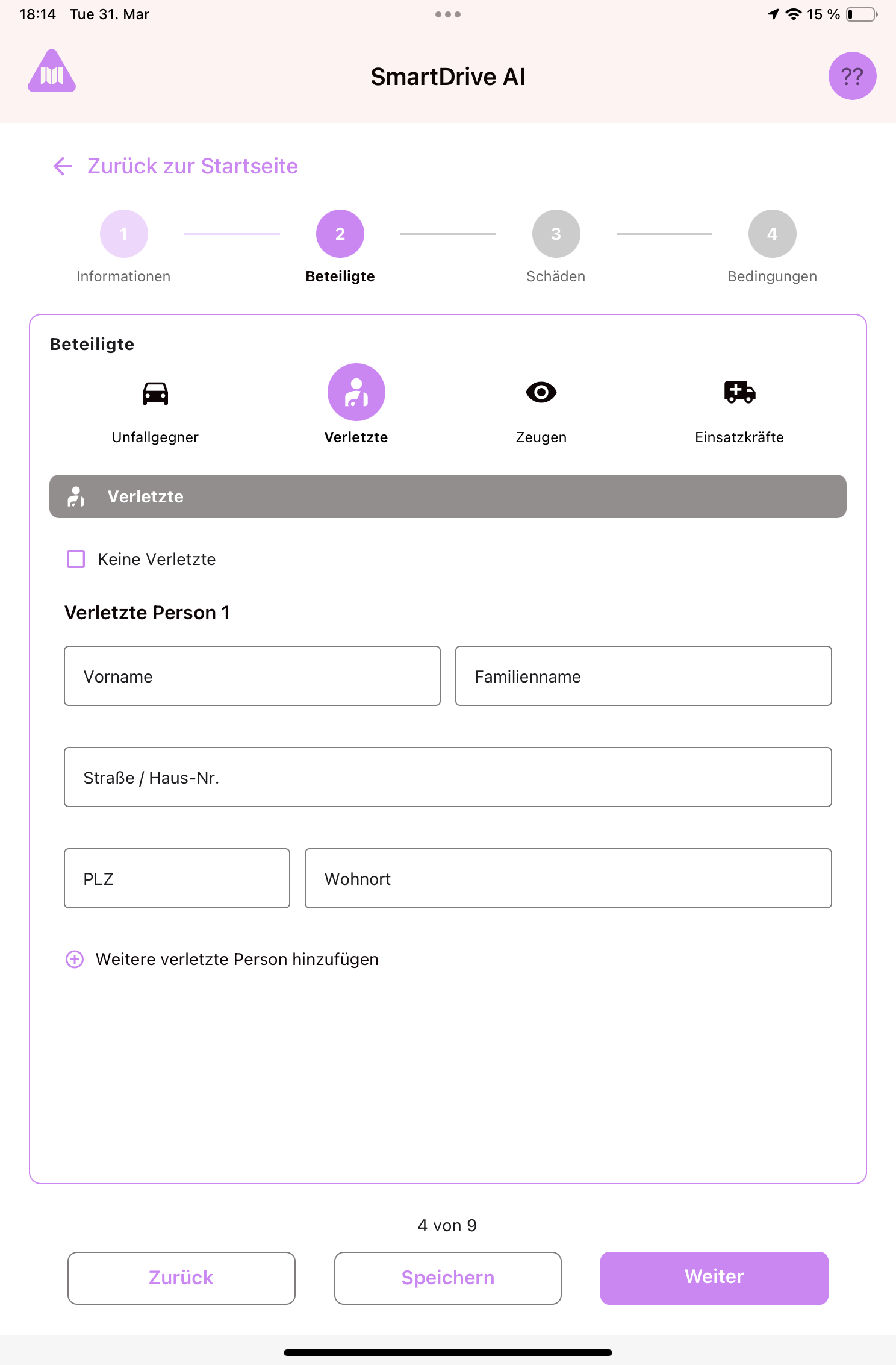
- The app asks: Were there any injured people? Toggle to "Yes" if someone was hurt.
- If yes, tap "+" to add a person. Enter their name, contact details, and a brief description of the injury.
- You can add multiple injured persons. To remove one, tap the delete icon.
- If nobody was injured, leave it toggled to "No" and move on.
Witnesses
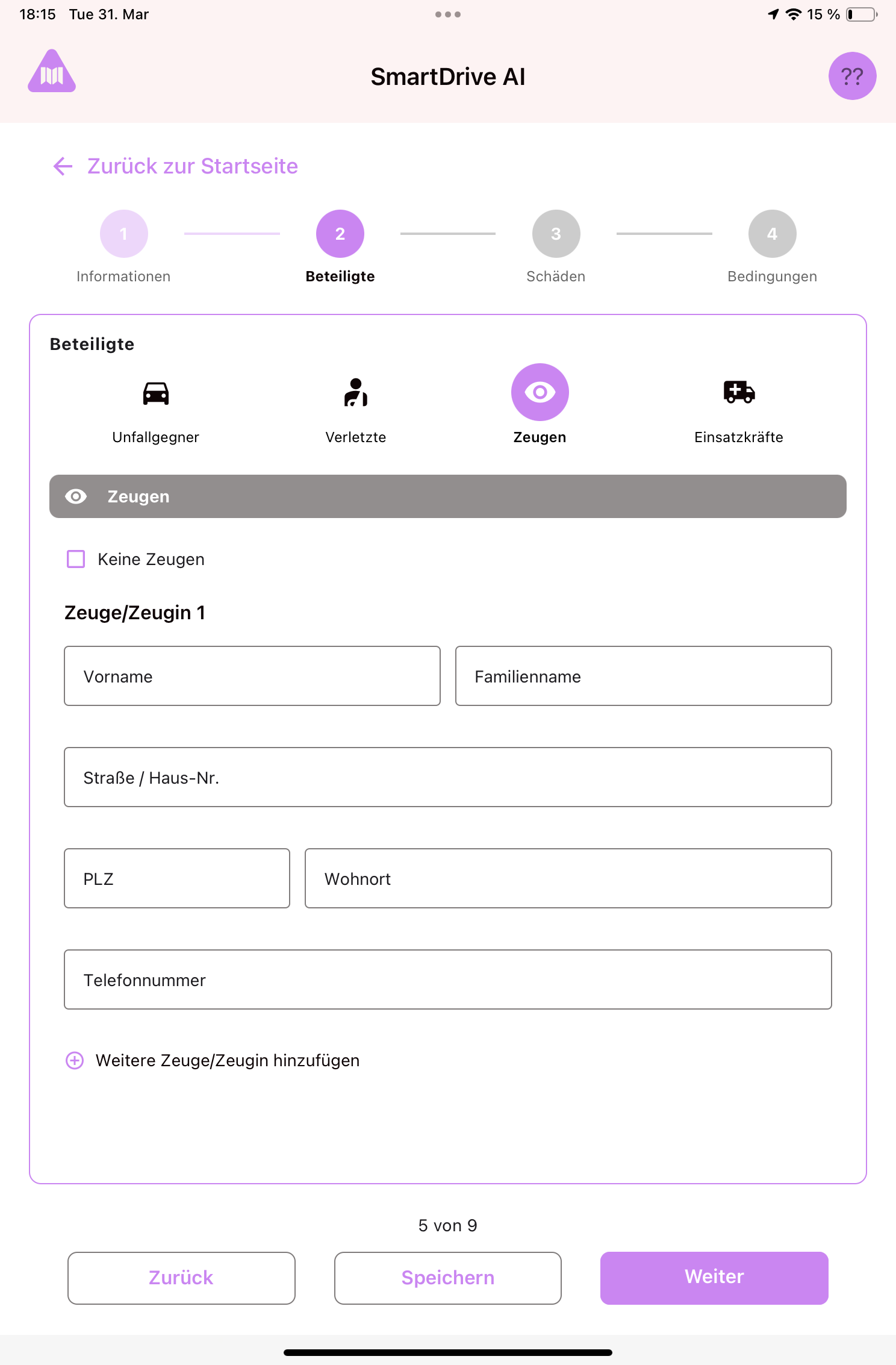
- Were there any witnesses? Toggle to "Yes" if someone saw the accident happen.
- If yes, tap "+" to add each witness. Enter their name and contact information (phone, address).
- Witnesses are important for insurance claims, so collect as many details as possible.
- If there were no witnesses, leave it toggled to "No".
Emergency forces
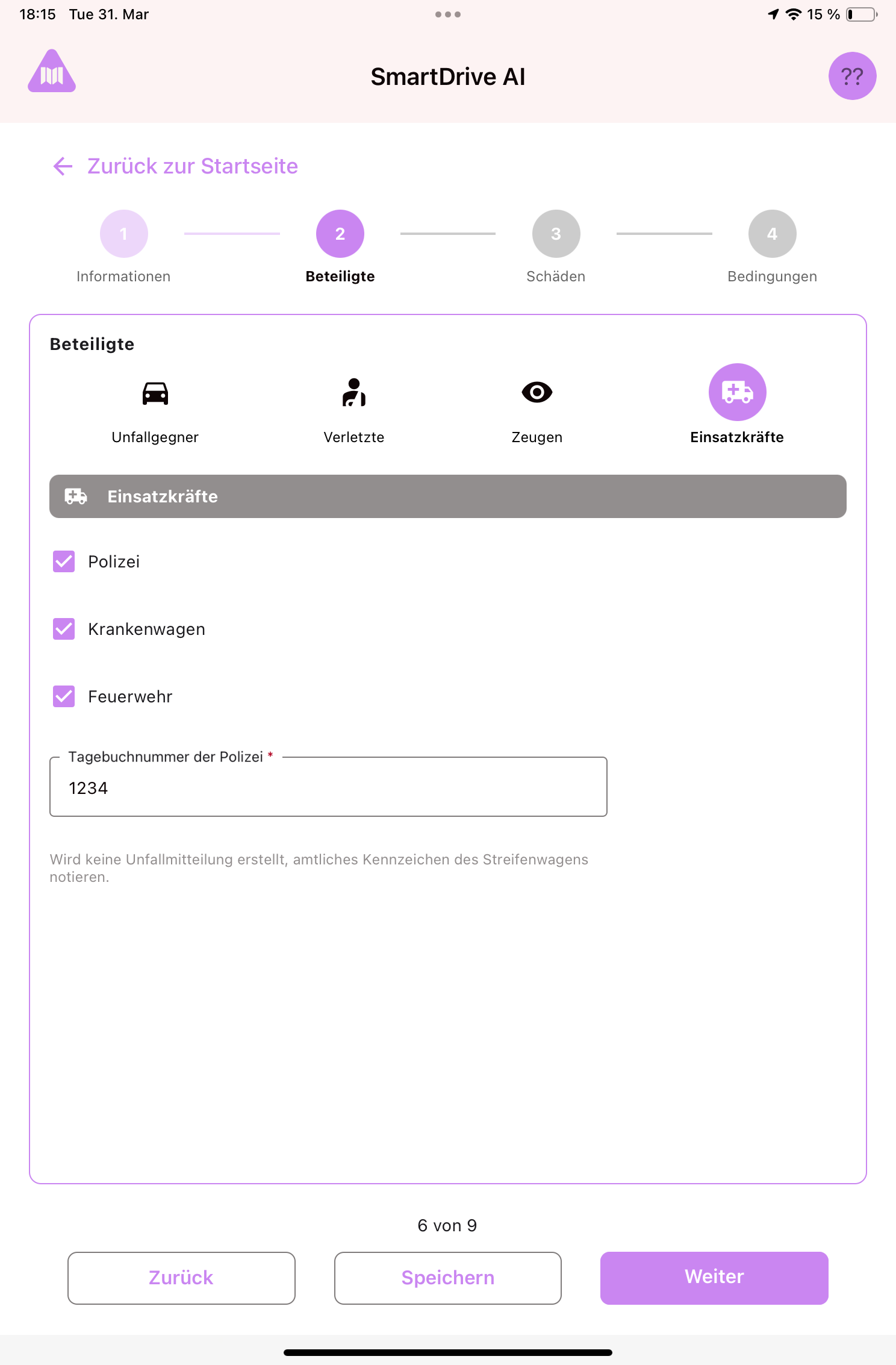
- Record whether police, ambulance, or fire department were at the scene.
- If police were present, enter the police report number. This is a required field if emergency forces were involved.
Tip
You don't need to fill in all four participant tabs if they don't apply. For example, if there were no injured people and no witnesses, skip those tabs and just fill in the other vehicle and emergency forces sections.
Still need help?
Get in touch with the SmartDrive AI team
Or email us at support-smartdriveai@mapular.com