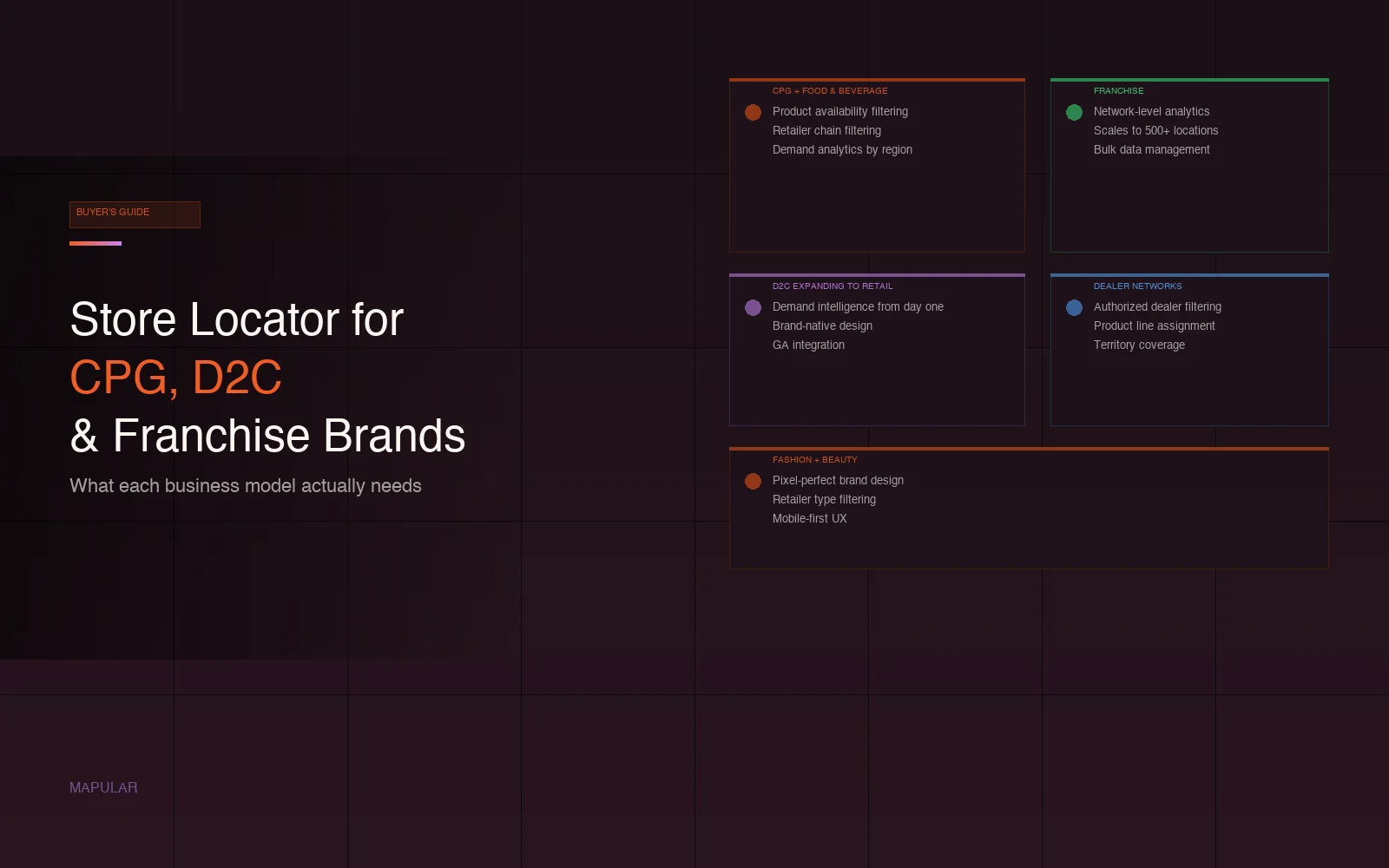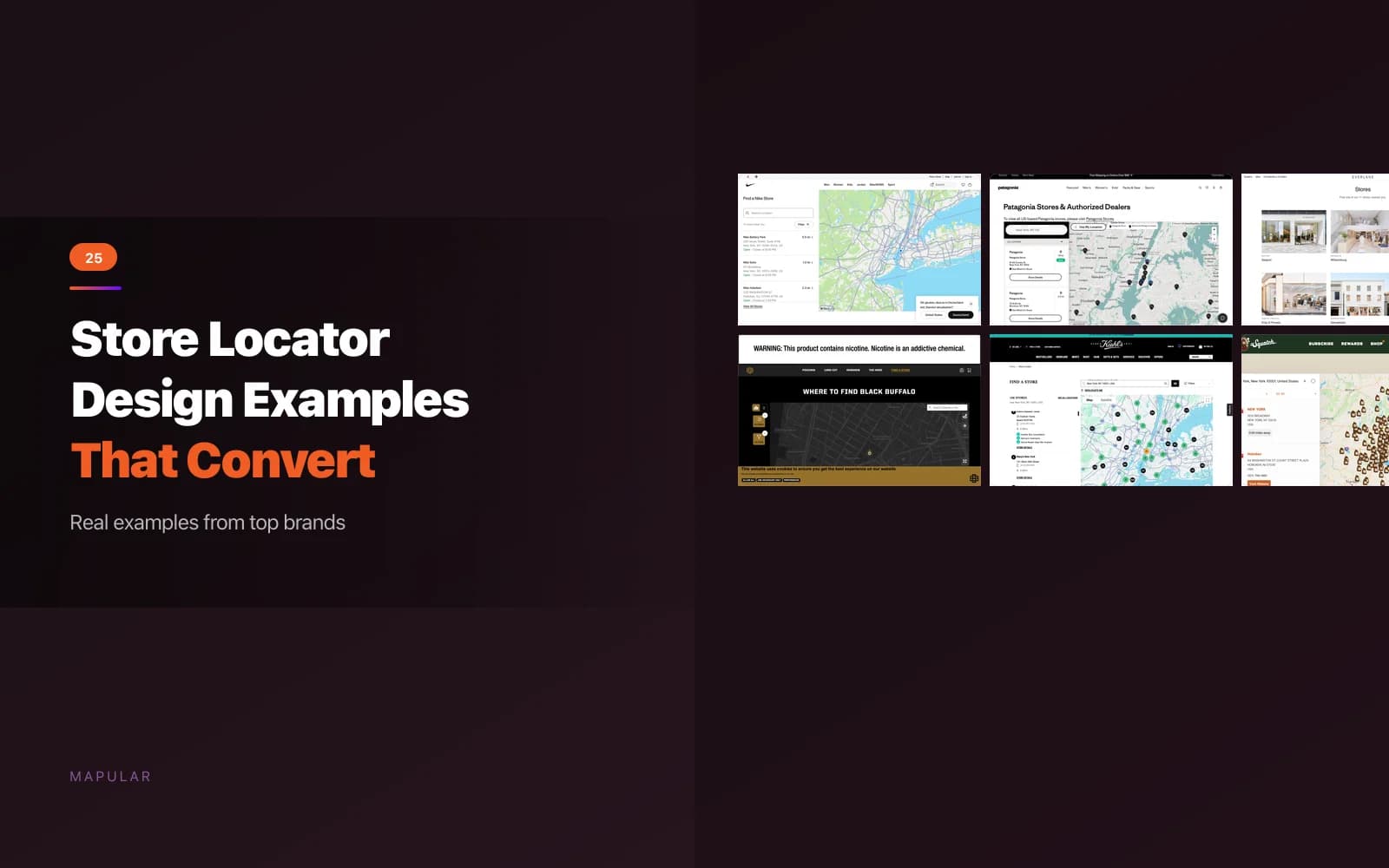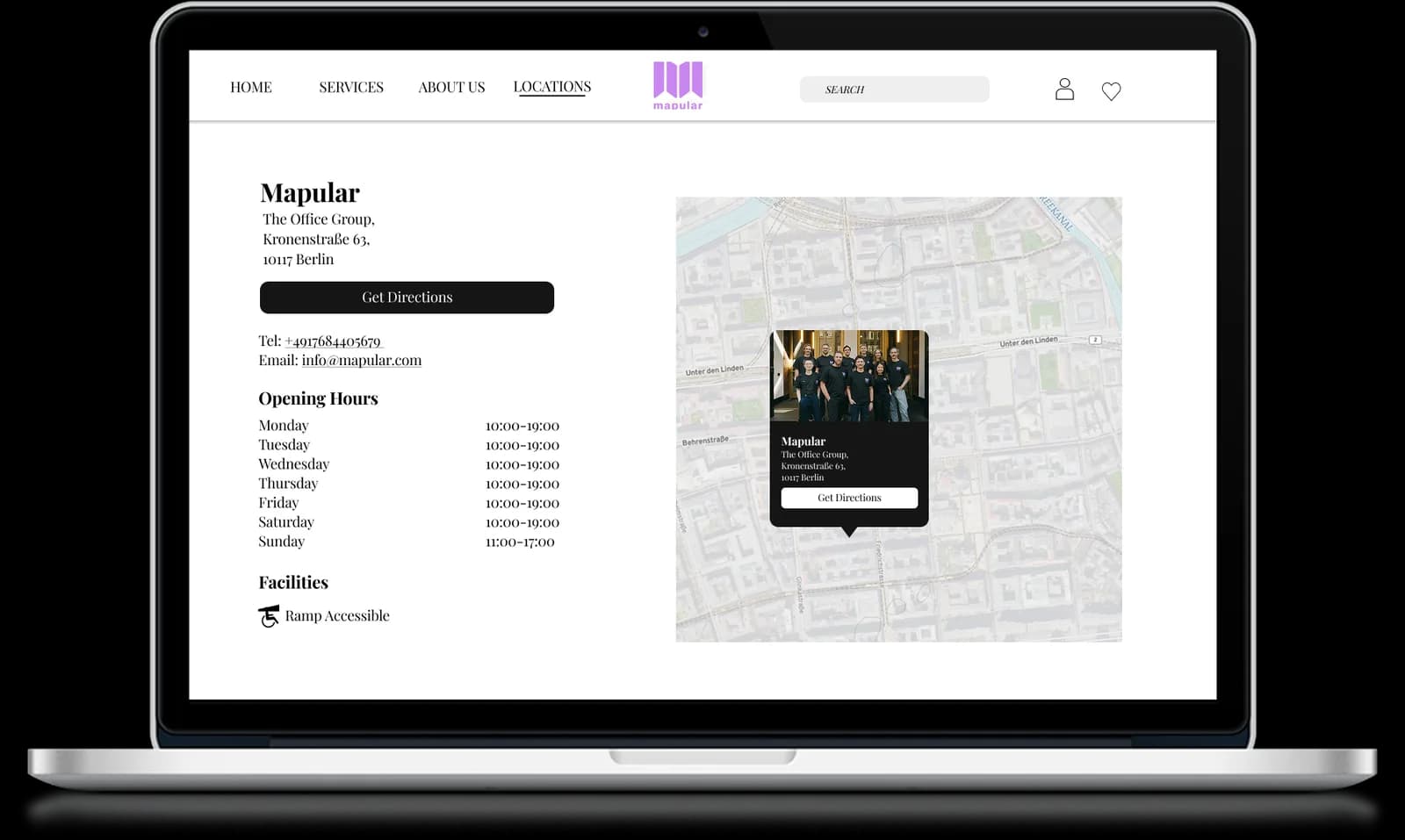
When a customer searches your store locator, they're not just looking for the nearest pin on a map. They want to know: does this store carry what I need?
A store locator without product filtering can't answer that question. It shows locations, but the customer has no way to know if the store they're about to drive to actually stocks the product they want. That's a broken experience, and it's fixable.
The Problem with Basic Store Locators
Most Shopify store locator apps treat every location the same. Search by zip code, get a list of stores sorted by distance. Done.
But for D2C brands selling through wholesale, retail, or franchise networks, not every location carries the same products. A customer searching for your newest product line might find three stores nearby, but only one actually has it in stock. Without product filtering, there's no way to tell.
The result: wasted trips, frustrated customers, and a store locator that creates friction instead of removing it.
What Product Filtering Actually Does
Product filtering adds a layer of specificity to your store locator. Instead of just "find a store near me," customers can search for "find a store near me that carries [product]."
This matters most for:
- Brands with diverse product lines. Not every retailer carries everything. Customers need to know who has what.
- New product launches. When you're rolling out a new product to select retailers, product filtering tells customers exactly where to find it.
- Seasonal or limited inventory. Products that aren't available everywhere year-round benefit from filtering so customers don't waste trips.
- Brands with different retailer tiers. Some retailers might carry your full range while others carry a selection. Filtering makes this transparent.
How This Drives Foot Traffic
The connection between product filtering and foot traffic is straightforward: customers who know a store has what they want are more likely to visit.
A search on your store locator is a high-intent moment. The customer is already considering a physical store visit. If they can confirm the product they want is available, the barrier to visiting drops significantly.
Without that confirmation, they might:
- Call the store to check (if the number is listed)
- Drive there and hope for the best
- Give up and buy online (or from a competitor)
Product filtering removes the uncertainty and makes the store visit a confident choice.
Setting Up Product Filtering on Shopify
If you're using Mapular Store Locator, product availability filtering is available on the Pro plan ($44.99/month). Here's how it works:
- Add product data to your locations. When you create or import locations, include which products or product categories each store carries.
- Enable the product filter. Turn on product filtering in your locator settings. Choose whether to display it as a dropdown, checkbox, or search field.
- Customers filter by product. When someone visits your store locator, they can select a product and see only the stores that carry it.
The setup takes minutes, not hours. And because it's integrated into your Shopify admin, you manage everything from one place.
Real-World Use Cases
Consumer electronics brand
A brand sells through 200+ authorized retailers, but only 50 carry their premium line. Product filtering ensures customers looking for the premium products find the right stores, not the nearest store that happens to sell the budget line.
Beverage brand with regional distribution
A craft beverage brand distributes different products to different regions. Product filtering lets customers in each market find exactly which stores carry which products, even when the selection varies by city.
Fashion brand with seasonal collections
A D2C fashion brand rolls out seasonal collections to select retailers first. Product filtering tells customers where the new collection is available without them having to guess.
Beyond the Filter: What the Data Tells You
Product filtering isn't just a customer feature. It's a data source. When customers filter by product, they're telling you:
- Which products have the most demand. The most-filtered products are the ones customers are actively looking for in stores.
- Where demand exists for specific products. If customers in a region keep filtering for a product that's not available there, that's a distribution signal.
- Which locations attract product-specific traffic. Some stores may get more attention for certain products, informing merchandising decisions.
This interaction data is available in Mapular's analytics dashboard on the Advanced plan and above. For more on using store locator data for expansion decisions, see how to use store locator analytics to drive retail expansion.
Not Every Brand Needs Product Filtering
Be honest about whether your brand needs this feature. If you have a small number of locations that all carry the same products, product filtering adds complexity without value. A clean, fast store locator with good search and customization is enough.
Product filtering becomes valuable when:
- You have 50+ locations with varying inventory
- You sell through mixed retail channels (some carry full range, some don't)
- You launch products that aren't immediately available everywhere
- Customers regularly ask "which store has [product]?"
If that sounds like your brand, try Mapular Store Locator on the Shopify App Store. The free plan gets you started, and you can upgrade to Pro for product filtering when you're ready.