Most platforms have no built-in store locator. The plugin options that exist are basic map embeds - no analytics, no brand control, no product filtering. Brands that discover this mid-project end up with three bad options: a Google Maps embed that shows competitors, a plugin that looks generic, or a custom build that takes months.
There is a fourth option most brands miss: a dedicated store locator that embeds on any platform via a single script tag. Platform-agnostic. Brand-native. Analytics included.
This guide covers how to do it on every major non-Shopify platform.
Why platform choice matters less than you think
The question "can I add a store locator to Wix?" has the same answer as "can I add a store locator to Webflow?" - yes, and the process is nearly identical.
All modern CMS platforms support HTML and JavaScript embeds. The locator renders the same way regardless of which platform you are on. What changes is where you paste the script tag - not what the locator does.
The real decision is which locator software to use. The platform is just the container. For a deeper breakdown of what it costs to build internally vs. buy a solution, see the store locator build vs buy analysis.
The embed approach that works on every platform
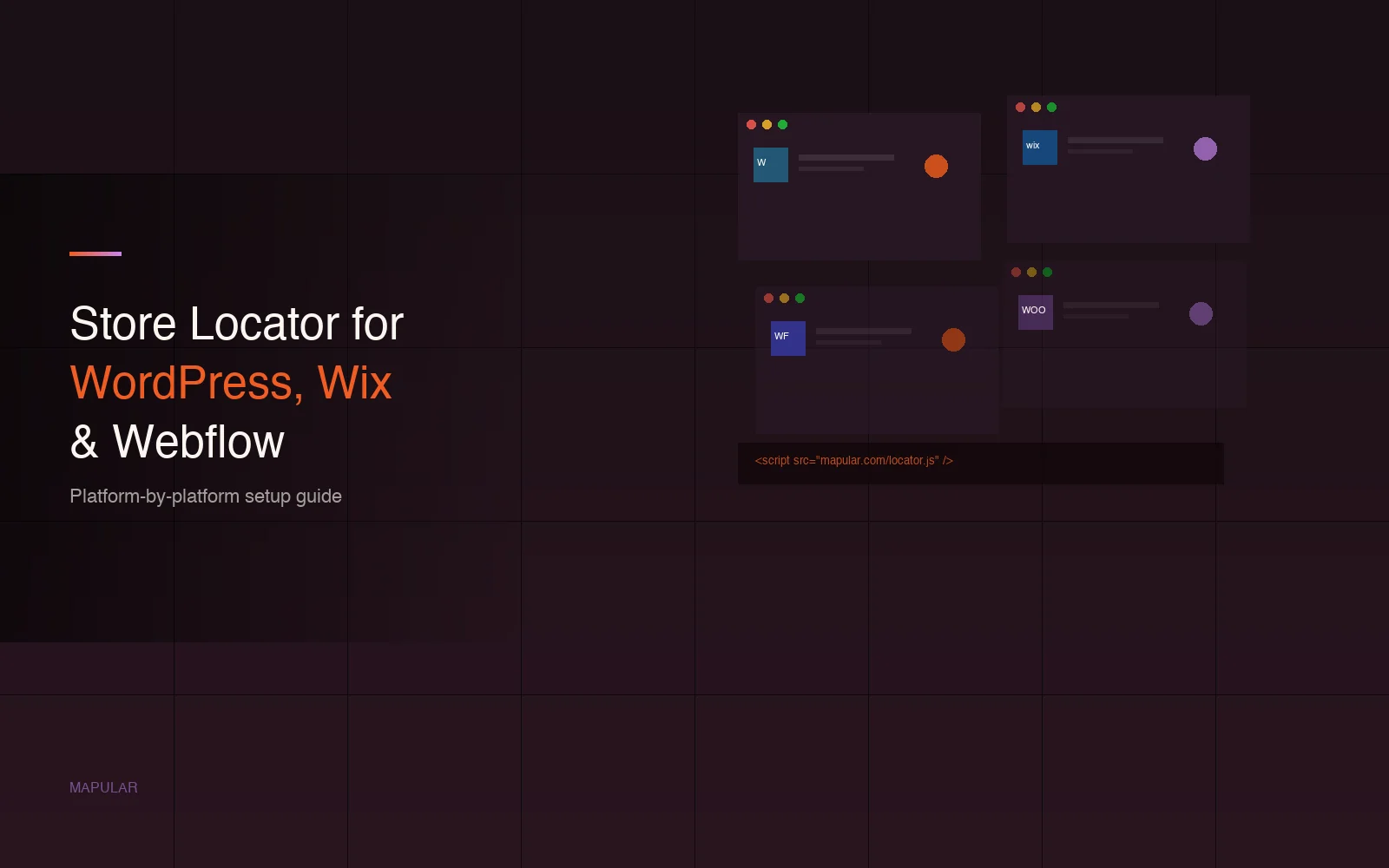
A script tag embed is one line of JavaScript placed on the page where the locator should appear. No backend changes. No database. No API keys to manage on your end.
<script src="https://cdn.mapular.com/locator.js"
        data-client="your-brand"
        data-container="store-locator">
</script>
The locator script handles map rendering, search, filters, and analytics. It fires Google Analytics events automatically.
Compare this to the alternatives:
iFrame embeds clip the locator inside a fixed box, break on mobile, and block full brand customization. Most older locator tools use this approach.
Plugin-based solutions tie you to a specific platform. If you migrate from WordPress to Webflow, you rebuild from scratch. They also have limited customization and rarely include analytics.
Google Maps embeds show no analytics, have no filtering, and display competitor locations alongside yours. They are free but not a real store locator.
The script tag approach moves with you across platforms and handles everything through a single line of code.
Platform-by-platform guide
WordPress
WordPress has no built-in store locator. The most commonly used plugin - WP Store Locator - is outdated, has a dated UI, and includes no behavioral analytics.
The script tag approach works in any WordPress page via an HTML block. If you are building with a page builder like Elementor, there is a dedicated guide below.
Full guide: Store Locator for WordPress
WooCommerce
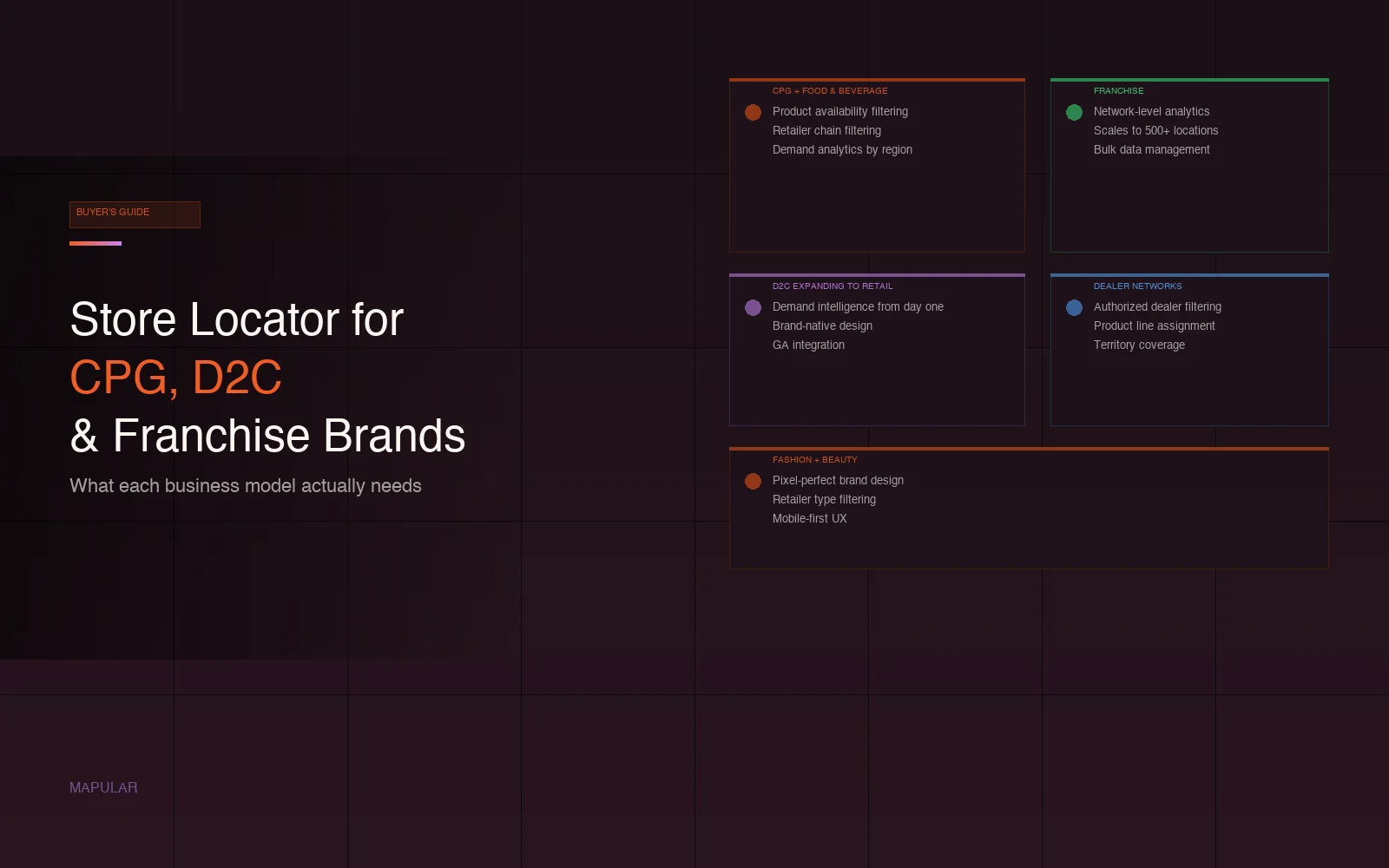
WooCommerce is a WordPress plugin, so the embed approach is the same. The key difference: WooCommerce brands often have products distributed across different retailers, which makes product availability filtering relevant - customers can find which stores carry a specific product.
Script tag goes in an HTML block on any WooCommerce page. No theme modification required.
Full guide: Store Locator for WooCommerce
Wix
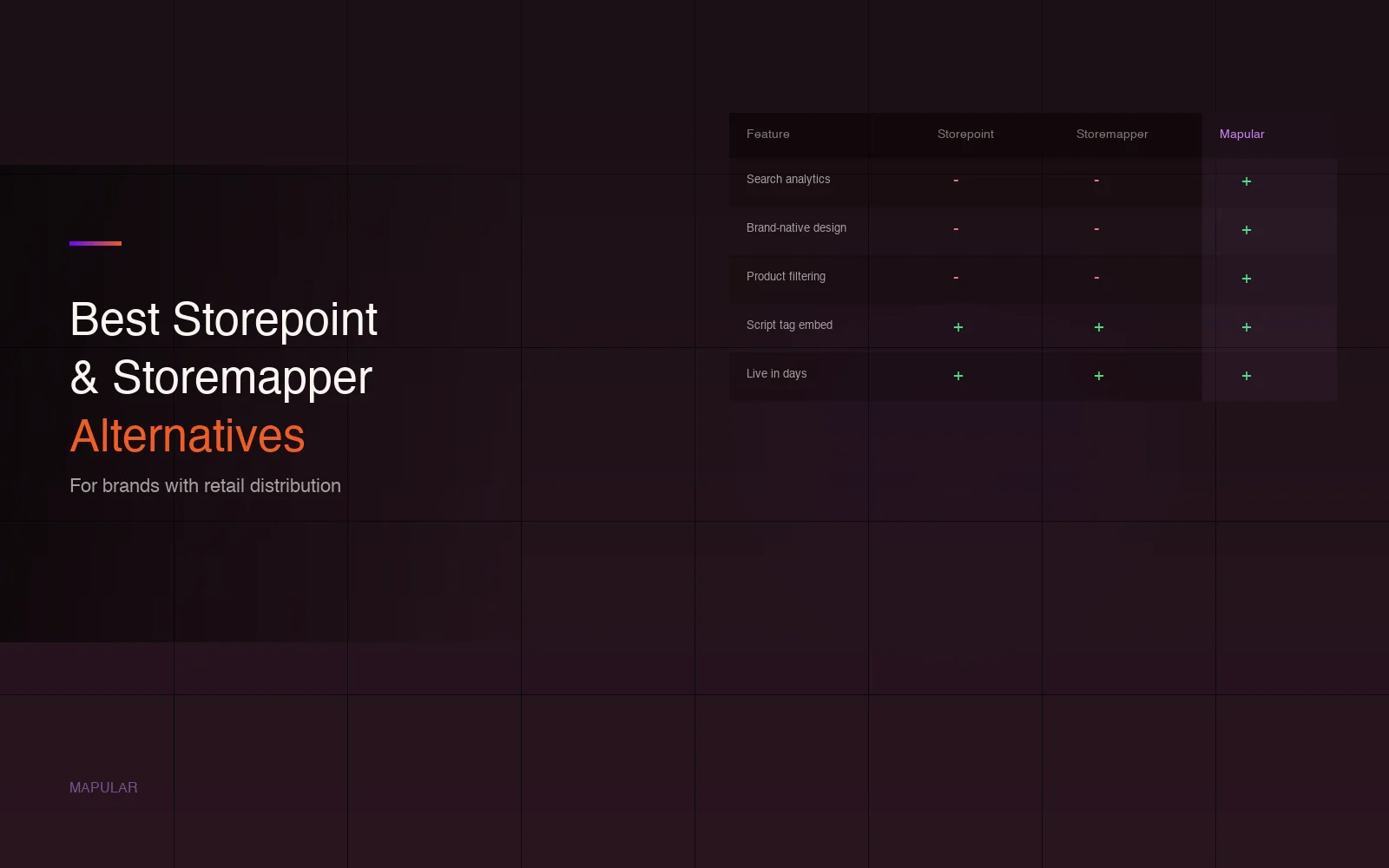
Wix has no built-in store locator. The Wix App Market has options - Storemapper and Mapify are the most common - but both have limited design control and no behavioral analytics.
The script tag goes in an HTML embed block on any Wix page. No Wix App Market dependency means the locator is not tied to the Wix ecosystem. If you ever migrate platforms, the locator moves with you.
Full guide: Store Locator for Wix
Webflow
Webflow has no built-in store locator. Webflow's design control makes this especially visible: a generic locator widget clashes badly with a Webflow-built site that has been designed carefully.
The script tag goes in an Embed element on any Webflow page. Full brand customization - colors, fonts, map styles, pin icons - means the locator matches the rest of the site.
Full guide: Store Locator for Webflow
Elementor
Elementor is a WordPress page builder. The script tag goes in an HTML widget, and Elementor's visual editor makes placement drag-and-drop. No developer required.
Full guide: Store Locator for Elementor
Squarespace
Squarespace has no built-in store locator and a limited app ecosystem. Squarespace Code Blocks accept JavaScript - the script tag goes there.
Full guide: Store Locator for Squarespace
Magento
Magento is an enterprise ecommerce platform, and most brands using it have development resources available. The script tag works here too - placed in a CMS block or page template. Magento brands typically have larger location counts and need bulk data management, which is where a proper data pipeline becomes important.
Full guide: Store Locator for Magento
What to look for in any platform
The platform question gets answered in five minutes. The features question takes longer and matters more. Here is what separates a basic locator from a useful one:
Search analytics. Every search on your store locator is a demand signal. Which zip codes generate the most searches? Which products are customers looking for? Which stores do they engage with? A locator without analytics lets all of this disappear.
Brand-native design. Colors, fonts, map style, pin icons, result card layout. The locator should look like it was built for your site - not dropped in from a third-party tool.
Product availability filtering. Customers can find stores that carry a specific product or SKU. Essential for brands with varied distribution across retailers.
Retailer and chain filtering. Customers can filter by chain (Walmart, Target, Kroger) with logos displayed. Important for brands with national distribution.
Mobile-first layout. Most store locator searches happen on mobile. The experience should be as considered on a phone as it is on a desktop.
CSV data pipeline. Bulk location management without manual entry. New locations, updated addresses, closed stores - handled through a data workflow, not one-by-one editing.
GA integration. Locator events fire into Google Analytics automatically. No extra dev work required.
How the setup works
- Send location data as a CSV (store name, address, type, product assignment, contact info)
- Mapular Store Locator geocodes and processes the locations
- Design is configured to match your brand before anything goes live
- One script tag is dropped on your page
- Live in days
The platform is not the constraint. The locator is.
Frequently asked questions
Does Wix have a built-in store locator?
No. Wix has no native store locator. The Wix App Market has options like Storemapper, but they have limited design control and no behavioral analytics. The script tag approach works on Wix via an HTML embed block and is not tied to the Wix ecosystem.
Can I add a store locator to WordPress without a plugin?
Yes. A script tag embed works on any WordPress page via an HTML block. No plugin installation required. This approach gives more design control and includes analytics that WordPress plugins typically lack.
How do I add a store locator to WooCommerce?
WooCommerce is a WordPress plugin, so the same HTML block approach works. Add an HTML block to any WooCommerce page and paste the script tag. If you distribute products across multiple retailers, product availability filtering is worth including - customers can find which stores carry a specific product.
Will a store locator work on Webflow?
Yes. Webflow's Embed element accepts JavaScript. The script tag goes there and the locator renders fully within the Webflow page. Full brand customization is available so the locator matches Webflow's design precision.
Do I need a developer to add a store locator to my website?
No. The script tag is one line of code. On most platforms - Wix, Webflow, Squarespace, WordPress - it can be placed by a non-developer in an HTML embed block. Magento is the exception where a developer is typically involved.
What is the difference between a store locator plugin and a script tag?
A plugin is tied to the platform it was built for. If you change platforms, you lose it. A script tag embed is platform-agnostic - it works on any website that supports HTML and JavaScript, and moves with you if you migrate. Script tag locators also typically include more features than plugins: analytics, full brand customization, and product filtering.