Customize Your Store Locator
Once your stores are added, customize how the Store Locator looks and works from the Settings page.
Once your stores are added, you can customize how your Store Locator looks and works from the Settings page.
All options are organized into simple tabs:
General
Manage your store list and basic behavior:
- Sort and limit the store list
- Show or hide data in the store details
- Configure the search bar
- Set opening hours display options
Map
Control how your map is displayed:
- Choose between OpenStreetMap, Mapbox, or Google Maps
- Connect your Mapbox or Google Maps API key
- Select a map style
- Enable features like directions, pop-ups, or clustering
Filters
Let customers narrow down stores by:
- Open now
- Products
- Distance
Filters can be turned on or off anytime from the Settings page.
Content
Customize the text displayed inside the Store Locator, such as labels, buttons, and messages, to match your store language and branding.
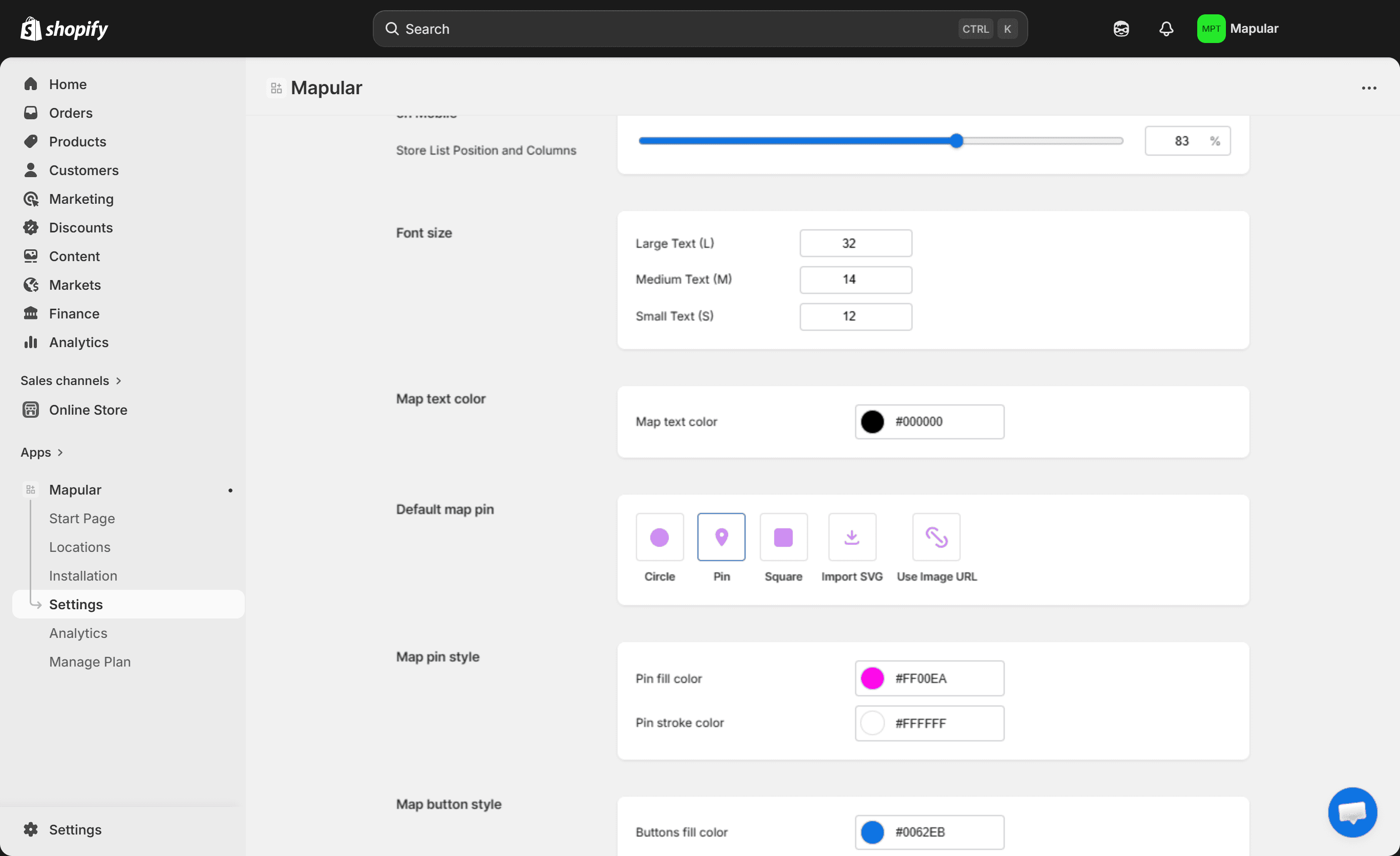
Appearance
Adjust the layout and overall design of the Store Locator so it fits seamlessly into your Shopify theme across desktop and mobile.